
Introduction
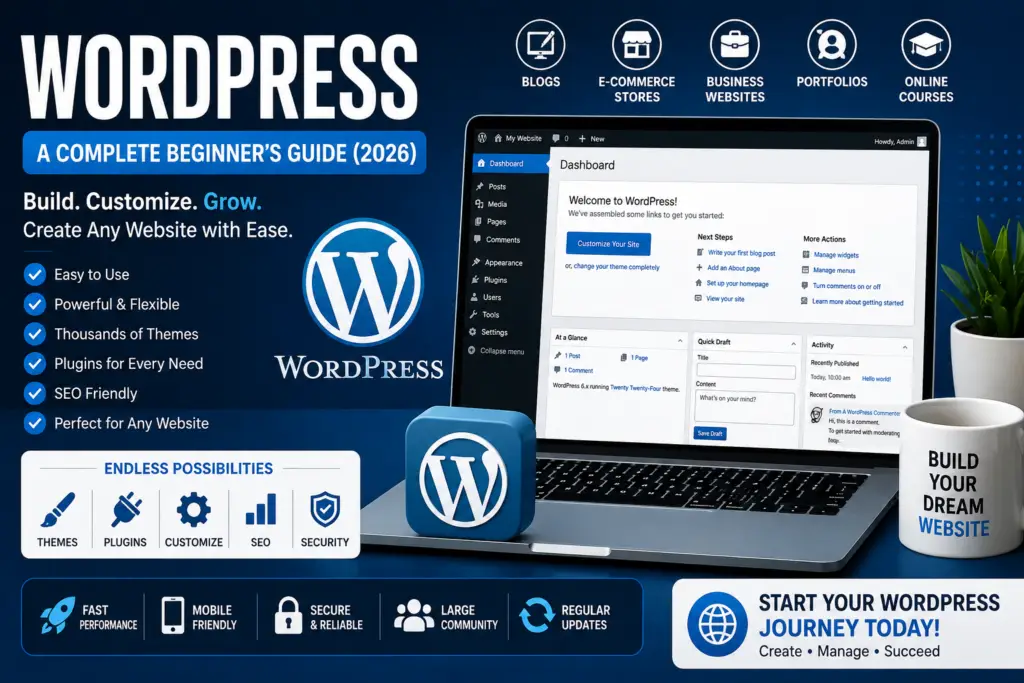
If you’re planning to create a website, blog, online store, or business website, you’ve probably heard about WordPress. It is the world’s most popular content management system (CMS), powering over 40% of all websites on the internet.
One of the biggest reasons for the popularity of WordPress is its flexibility. Whether you’re a beginner with no coding experience or a professional web developer, WordPress makes it easy to build and manage a website.
In this complete beginner’s guide, you’ll learn what WordPress is, how it works, its key features, benefits, and how to get started with your own WordPress website.
What Is WordPress?
WordPress is a free and open-source content management system (CMS) that allows users to create and manage websites without needing advanced programming skills.
Originally launched as a blogging platform, WordPress has evolved into a powerful website-building tool that can be used to create:
- Personal blogs
- Business websites
- E-commerce stores
- Portfolio websites
- News websites
- Educational websites
- Membership sites
- Forums
- Online course platforms
Millions of individuals, businesses, and organizations trust WordPress because it is flexible, reliable, and easy to customize.
WordPress.org vs WordPress.com
Many beginners get confused between WordPress.org and WordPress.com.
WordPress.org
This is the self-hosted version of WordPress.
Advantages include:
- Full control over your website
- Thousands of plugins
- Unlimited themes
- Better SEO control
- Monetization freedom
- Complete website ownership
This is the best choice for most businesses and bloggers.
WordPress.com
WordPress.com is a hosted platform where hosting is included.
Advantages include:
- Easy setup
- Automatic maintenance
- No need to manage hosting
However, the free plan has limitations, and advanced features require paid plans.
Why Is WordPress So Popular?
There are many reasons why millions of people choose WordPress.
1. Easy to Use
You don’t need to know programming to build a website.
The dashboard is beginner-friendly and allows you to manage pages, posts, images, and settings with ease.
2. Free Software
WordPress itself is completely free to download and use.
You only need to pay for:
- Web hosting
- Domain name
- Premium themes (optional)
- Premium plugins (optional)
3. Thousands of Themes
Themes control your website’s appearance.
You can choose from thousands of free and premium themes designed for:
- Blogs
- Businesses
- Online stores
- Portfolios
- Agencies
- Restaurants
- Educational websites
Changing a theme can completely transform the look of your website without affecting your content.
4. Powerful Plugins
Plugins add new features to your website without writing code.
Popular plugin categories include:
- SEO
- Security
- Contact forms
- Backups
- Speed optimization
- E-commerce
- Email marketing
- Analytics
There are over 60,000 plugins available to extend WordPress functionality.
Main Features of WordPress
Some of the most useful WordPress features include:
Easy Content Management
Create and edit:
- Blog posts
- Pages
- Images
- Videos
- Menus
All from a simple dashboard.
Media Library
Upload and organize:
- Images
- Videos
- PDFs
- Documents
User Management
You can assign different user roles such as:
- Administrator
- Editor
- Author
- Contributor
- Subscriber
SEO-Friendly Structure
WordPress is designed with search engines in mind.
With SEO plugins, you can optimize:
- Titles
- Meta descriptions
- URLs
- Sitemaps
- Schema markup
Benefits of Using WordPress
Using WordPress offers several advantages.
Flexible
You can build almost any type of website.
Scalable
WordPress works well for both small personal blogs and large business websites.
Mobile-Friendly
Most modern themes are responsive and work well on smartphones and tablets.
Large Community
Millions of users contribute tutorials, plugins, themes, and support resources.
Regular Updates
WordPress receives frequent updates to improve security, performance, and features.
How to Start a WordPress Website
Getting started with WordPress is straightforward.
Step 1: Buy a Domain Name
Choose a short, memorable domain that represents your brand.
Example:
- yourbusiness.com
Step 2: Choose Web Hosting
Select a reliable hosting provider that supports WordPress.
Important features include:
- Fast performance
- SSL certificate
- Daily backups
- Good customer support
Step 3: Install WordPress
Most hosting providers offer one-click WordPress installation.
The setup usually takes only a few minutes.
Step 4: Select a Theme
Choose a professional theme that matches your website’s purpose.
Step 5: Install Essential Plugins
Some recommended plugin categories include:
- SEO
- Security
- Backup
- Caching
- Contact forms
Step 6: Publish Content
Start creating valuable pages and blog posts for your audience.
Best Uses for WordPress
WordPress is suitable for many different projects.
Blogging
Perfect for personal and professional blogs.
Business Websites
Create professional websites for companies.
E-commerce
With WooCommerce, WordPress becomes a complete online store.
Portfolio Websites
Showcase your work as a designer, photographer, or freelancer.
Online Learning
Create and sell online courses using learning management system (LMS) plugins.
WordPress SEO Tips
To improve your search engine rankings:
- Use SEO-friendly URLs.
- Write high-quality content.
- Optimize images.
- Improve website speed.
- Add internal links.
- Use headings correctly.
- Install an SEO plugin.
- Create an XML sitemap.
- Keep WordPress updated.
Good SEO helps your website attract more visitors from Google.
Common WordPress Mistakes to Avoid
Many beginners make these mistakes:
- Choosing poor-quality hosting
- Installing too many plugins
- Ignoring website backups
- Using weak passwords
- Forgetting software updates
- Not optimizing website speed
- Publishing low-quality content
Avoiding these mistakes will help keep your website secure and efficient.
Frequently Asked Questions (FAQ)
Is WordPress free?
Yes. WordPress software is free, but you’ll usually need to pay for web hosting and a domain name.
Is WordPress good for beginners?
Yes. WordPress is beginner-friendly and requires little to no coding knowledge.
Can I build an online store with WordPress?
Absolutely. By installing WooCommerce, you can create a fully functional e-commerce website.
Is WordPress SEO-friendly?
Yes. WordPress offers an SEO-friendly structure and works well with powerful SEO plugins that help improve search rankings.
Conclusion
WordPress is one of the best website-building platforms available today. It combines ease of use, flexibility, and powerful features, making it suitable for beginners, bloggers, entrepreneurs, and businesses of all sizes.
Whether you want to create a blog, launch an online store, or build a professional business website, WordPress provides the tools you need to succeed. By choosing reliable hosting, using quality themes and plugins, and following SEO best practices, you can build a fast, secure, and successful website that grows with your goals.